





Building Cross-Platform Apps with Flutter
I picked up Flutter about two years ago for a client project that needed both iOS and Android builds on a tight timeline. I had been using React Native for most of my mobile work before that. Since then, I have shipped apps with both frameworks, and I have formed some opinions about where each one fits.
This post is my honest take on Flutter vs React Native for cross-platform app development. Not a feature checklist. More of a field report from someone who builds apps for clients in Karachi and works across both ecosystems.
Why I Started with React Native
My background is in web development. HTML, CSS, JavaScript, React. So React Native was the obvious first step into mobile. The mental model was familiar. I could reuse components, lean on npm packages, and stay in JavaScript land. For a web developer getting into mobile app framework comparison territory, React Native has the lower barrier to entry.
I built a couple of client apps this way. The process worked fine for standard UI patterns: lists, forms, navigation stacks. But I ran into friction when clients wanted custom animations or pixel-perfect designs that looked identical on both platforms. React Native's bridge architecture meant I was always negotiating between JavaScript and native views. Sometimes a component looked right on Android but slightly off on iOS, or the other way around.
The Switch to Flutter
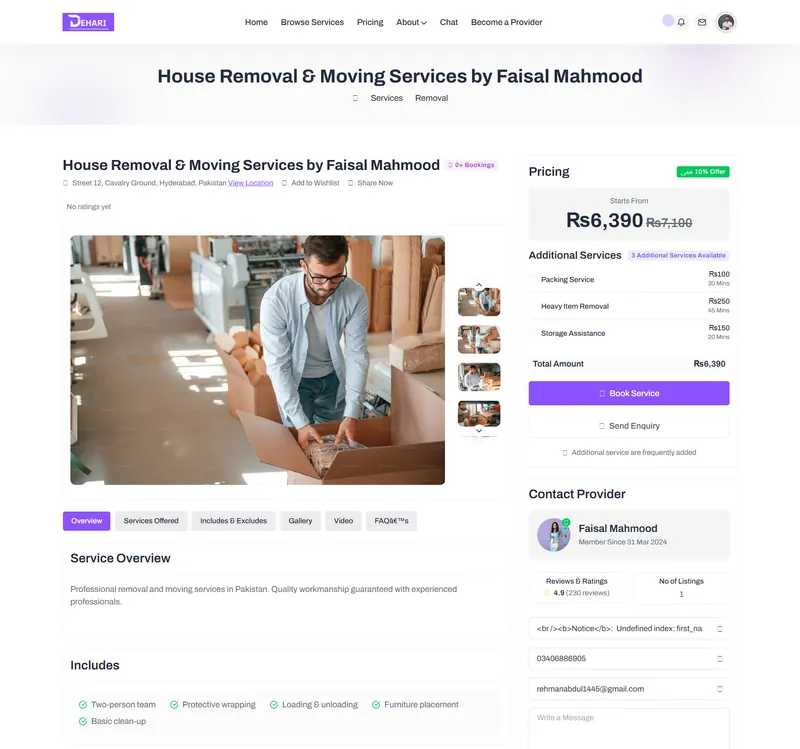
A client approached me with a home services app (similar to my Dehari project) and insisted on Flutter. I was skeptical at first because learning Dart felt like unnecessary overhead. But within a week of building apps with Flutter, I understood the appeal.
Flutter does not use native UI components at all. It paints every pixel on a canvas using its own rendering engine (Skia, now Impeller). This means the same widget looks exactly the same on iOS, Android, web, and desktop. For a UI/UX designer like me, that consistency was a revelation. I could design a screen in Figma and know that what I built in Flutter would match it precisely on both platforms.
Dart turned out to be easy to pick up. The syntax sits somewhere between JavaScript and Java. It has null safety built in, which catches errors that would slip through in JavaScript. After a few days, I stopped thinking about the language and started thinking about the app.
Performance: Where Flutter Pulls Ahead
The most common question in any Flutter vs React Native discussion is about performance. Here is what I have actually observed.
Flutter compiles to native ARM code. There is no bridge, no JavaScript thread communicating with a native thread. When I built a music streaming app with complex audio visualizations (think waveform displays, animated album art), Flutter handled 60fps animations without dropping frames. The same kind of animation in React Native required me to drop into native modules or use Reanimated 2, which added complexity.
React Native has improved a lot with the new architecture (Fabric and TurboModules). JSI removed much of the old bridge overhead. But in practice, for animation-heavy or GPU-intensive UIs, Flutter still has a measurable edge. I tested both frameworks on a mid-range Samsung phone (Galaxy A34) with identical list views of 500 items. Flutter scrolled smoothly. React Native stuttered slightly during fast scrolling, though it was acceptable for most users.
For standard CRUD apps, forms, and navigation-heavy screens, the performance gap is small enough that it should not be the deciding factor.
Development Speed and Hot Reload
Both frameworks offer hot reload. Flutter's version is slightly faster in my experience, especially for UI changes. I can tweak a color, adjust padding, change a font size, and see the result in under a second. React Native's fast refresh works well too, but sometimes loses state on larger changes and forces a full reload.
Where Flutter saves me time is in its widget system. Everything is a widget. Layout, styling, animation, gestures. There is no separate CSS or style object. I found this confusing at first because nesting widgets can get deep. But once I learned to extract custom widgets properly, development speed increased. The code reads like a description of the UI tree, which aligns well with how I think about design.
React Native wins on ecosystem breadth. If I need a specific third-party integration (payment gateways popular in Pakistan, for example), there is usually a React Native package available. Flutter's package ecosystem has grown fast, but there are still gaps. I have written custom platform channels for things that had ready-made React Native packages.
UI Consistency Across Platforms
This is where I think Flutter mobile development has the clearest advantage, and it matters more than most developers admit.
When a client approves a design in Figma, they expect the final app to look like that design. On both phones. On every screen size. With React Native, I spent time adjusting platform-specific quirks. A shadow that renders differently on Android. A text input that behaves differently on iOS. Status bar handling. Safe area insets. Each one is solvable, but they add up.
Flutter sidesteps all of this. Because it controls the entire rendering pipeline, a button I design looks identical everywhere. The trade-off is that Flutter apps do not automatically adopt platform conventions. An iOS user might expect a Cupertino-style back swipe gesture that you have to implement manually. Flutter provides CupertinoApp and Material widgets to handle this, but you need to be intentional about it.
I usually build with Material Design and add platform-specific touches where users would notice (navigation patterns, scroll physics, date pickers). This approach keeps development fast without alienating platform loyalists.
State Management: A Real Comparison
State management is where developers spend too many hours arguing. I will keep this practical.
In React Native, I used Redux for a long time, then switched to Zustand for smaller projects. React's hooks (useState, useEffect, useContext) handle most simple cases. The mental model is straightforward if you already know React.
In Flutter, I tried several approaches. Provider was the default recommendation when I started. It works but gets messy in larger apps. Riverpod fixed many of Provider's issues (compile-time safety, no BuildContext dependency). For my most recent project, I used Riverpod with code generation, and the developer experience was noticeably better than anything I had used in React Native.
BLoC is another popular option in the Flutter world. It enforces a strict separation between business logic and UI. I find it verbose for small apps but valuable for larger ones where multiple developers need clear architecture boundaries.
My current preference: Riverpod for Flutter projects, Zustand for React Native. Both are pragmatic choices that avoid boilerplate without sacrificing structure.
When I Choose Flutter vs React Native
After working with both, here is how I decide for client projects.
I pick Flutter when the app has custom UI, lots of animations, or needs to look identical across platforms. Design-heavy apps, branded experiences, apps where the visual identity is a selling point. Flutter gives me full control over every pixel, and that control matters when I am translating detailed Figma mockups into production code.
I pick React Native when the project has a tight JavaScript/React ecosystem dependency, when the team already knows React, or when the app relies heavily on third-party native SDKs that only have React Native wrappers. It is also my choice when a client wants a web app and a mobile app sharing significant logic, because React Native for Web and Next.js can share code more naturally than Flutter web (which is improving but still feels like a separate product).
For new projects with no existing codebase or team constraints, I default to Flutter. The rendering consistency, the single widget tree model, and Dart's type safety make it easier for me to deliver polished apps on schedule.
What I Have Learned from Real Projects
Cross-platform app development is not about picking a winner. Both Flutter and React Native are mature enough to build production apps. The question is which framework fits your project, your team, and your timeline.
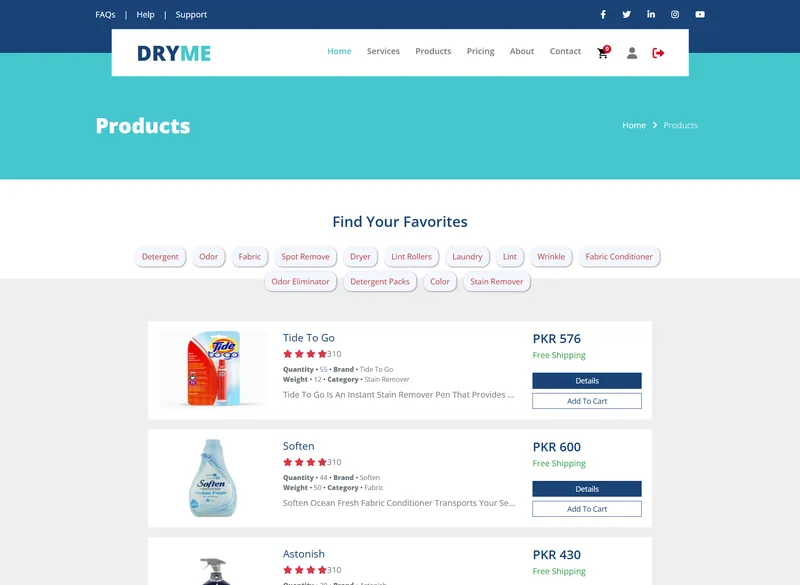
I have shipped a laundry management system, a home services booking app, and a music platform. Each project taught me something different about these frameworks. The laundry app needed complex form flows and real-time order tracking. Flutter's widget composition made the form logic clean. The music platform needed audio playback with custom controls. Flutter's Impeller renderer handled the visualizations well, though I had to write a platform channel for background audio on older Android versions.
If you are a web developer considering mobile, start with React Native. The transition is smoother. If you are starting fresh or you care deeply about design fidelity, learn Flutter. You will spend more time on Dart syntax in week one, but you will spend less time fighting platform inconsistencies for the entire project.
The mobile app framework comparison will keep evolving. Google is investing heavily in Flutter, and Meta keeps improving React Native's architecture. Both are good bets. I just happen to reach for Flutter more often these days, and the results have justified that choice for my clients and my workflow.